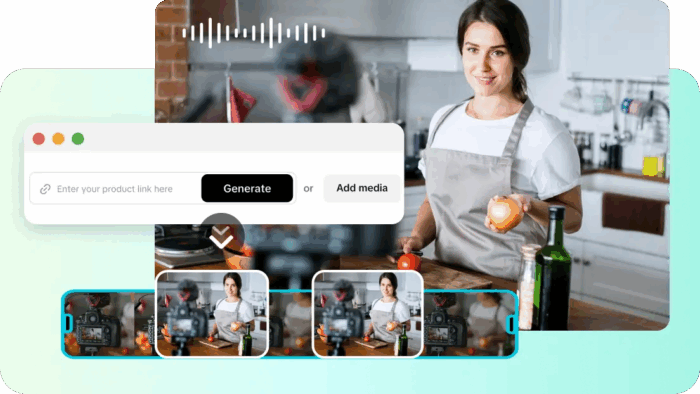
Short video content is one of the most prevalent features of modern social media and influences how people process information online. Short storytelling and visual communication are promoted on platforms like TikTok, Instagram Reels, and Facebook Shorts. The links on static websites do not often put the user on their feet, as they are not moving, feeling, or in context. Companies usually post links in the hope that viewers will click through to long pages. But engagement declines when posts do not immediately communicate value. Contemporary audiences like to watch content that presents ideas quickly and visually. The best way to overcome this attention challenge is to change the links into short videos. Intelligent automation and creative tools, such as Pippit and others, facilitate this transformation.
The Limitations of Traditional Website Link Sharing
How AI Video Generators Transform Website Content into Visual Stories

Key Advantages of Converting Website Links Into Videos
Important Capabilities of AI Link-to-Video Technology

-
Automated Content Extraction
-
Dynamic Visual Generation
-
Auto Caption Creation
-
Multi-Platform Optimization
-
Script and Voice Generation
Steps to Convert Website Links with an AI Video Generator Into Shareable Videos
Step 1: Import your website link and describe the video concept
-
Sign up for Pippit, access the dashboard, and open the “Video generator” workspace to begin.
-
Enter a detailed prompt explaining how the website link content should appear visually in video format.
-
Click “Add media” to upload reference visuals from your device or phone, or paste a link.
-
Select platform assets if reference visuals are unavailable for your website conversion project.
-
After organizing prompts and media elements, click “Generate” to start creating the shareable website video.

Step 2: Let AI transform the link content into video drafts
-
After pressing “Generate”, the AI video generator automatically produces videos using the provided prompts and references.
-
The system automatically manages transitions, pacing, captions, avatars, voice narration, lyrics, and overall visual enhancements.

-
Within moments, the platform provides four or five different video drafts ready for review.
-
Choose the preferred version and press “Edit more” to open the editing workspace for deeper customization.

Step 3: Refine visuals and export the final shareable video
-
Adjust captions manually as you edit text size, colors, alignment, filters, and effects for polished visuals.
-
Enhance storytelling by adding background music, removing backgrounds, or improving website visuals and layout.

-
When the video is ready, press “Export” in the top-right corner of the interface.
-
Select “Publish” for direct posting, or choose “Download” to download in the preferred format, resolution, frame rate, and quality.

Creative Ways to Share Link-Based Videos Online
Strategies for Making Link-Based Videos More Shareable
Conclusion
Join BusinessDay whatsapp Channel, to stay up to date
Open In Whatsapp